Lesson schedule
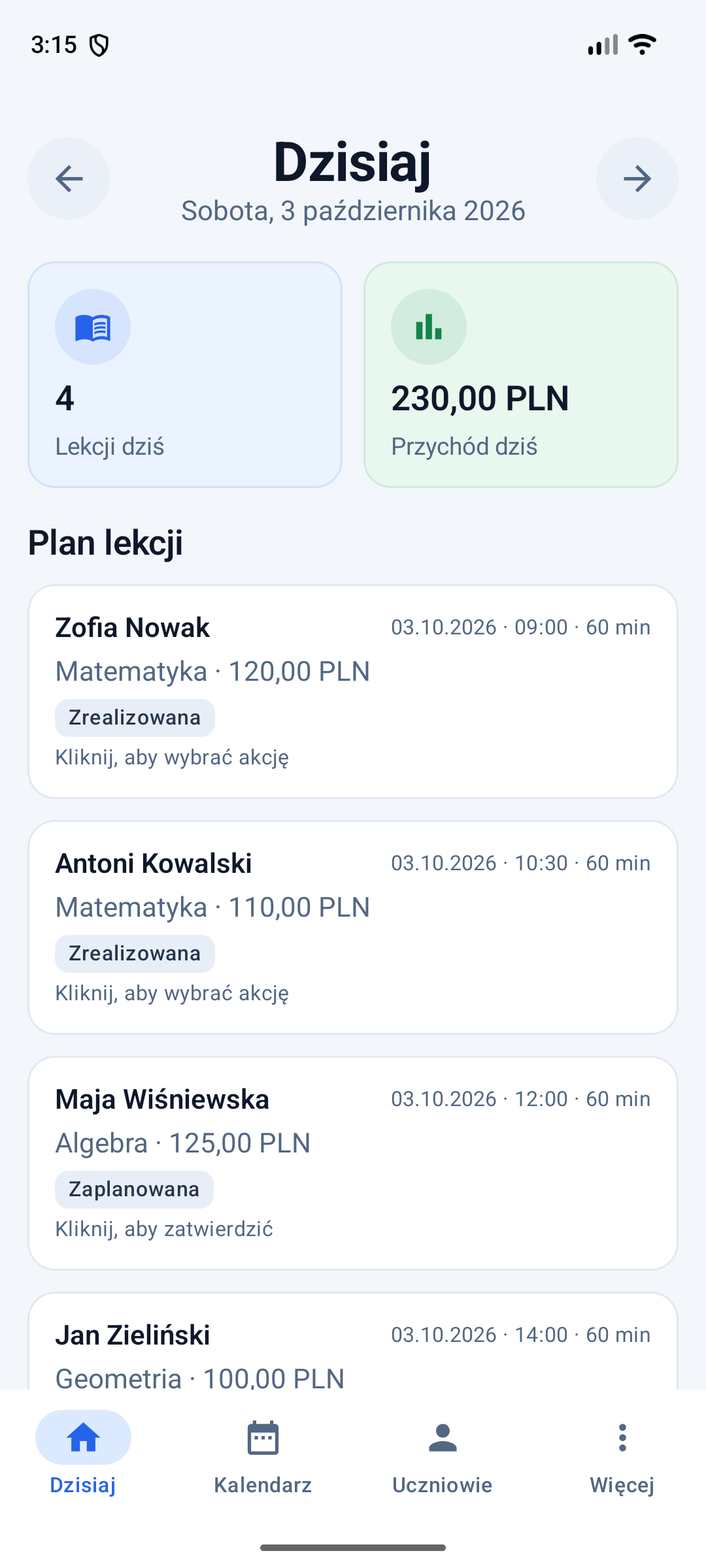
Set recurring sessions by day, time, duration and lesson type. The daily view shows planned lessons and their status.
An app for tutors
Tutico helps you organise your day-to-day tutoring work. Keep student records, schedule regular sessions, note lesson progress and track payments — all in one Android app.

Less to remember, more in order
Add students and assign regular sessions. After each lesson, record what you covered and update payment details — everything stays in one place.
Set recurring sessions by day, time, duration and lesson type. The daily view shows planned lessons and their status.
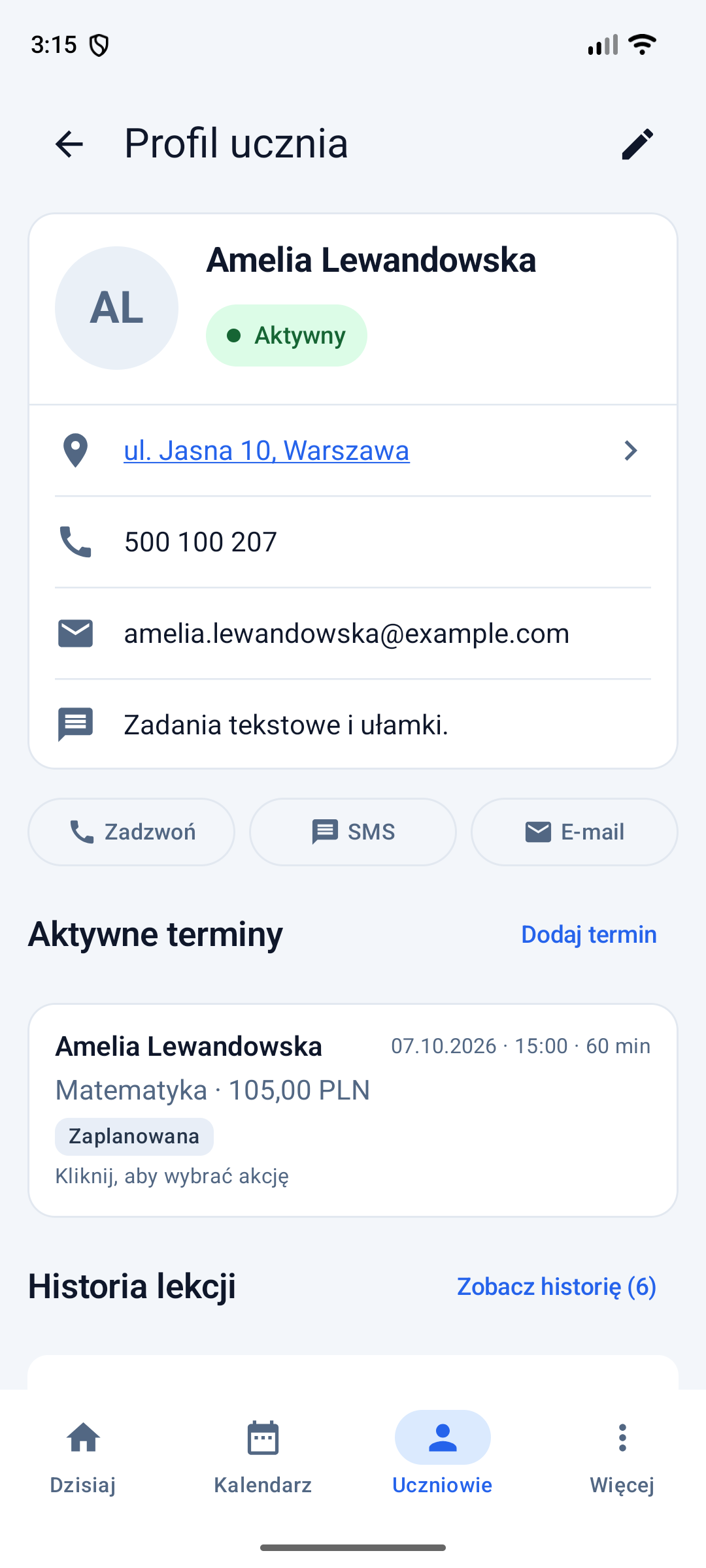
Keep contact details, address, personal notes, schedule and lesson history. Open a phone, text, email or map app from a profile.
Mark a lesson as completed, cancelled or missed. Save its topic, notes, price and payment status.
Review lesson income, recorded expenses and monthly or yearly summaries based on the information you enter.
Manually export data to a .tutico file with encryption enabled by default. Set a password and restore the backup on your own or another phone. Tutico does not remember your password.
App screenshots
Here’s how the app looks in light and dark themes.
Lesson schedule and daily summary.
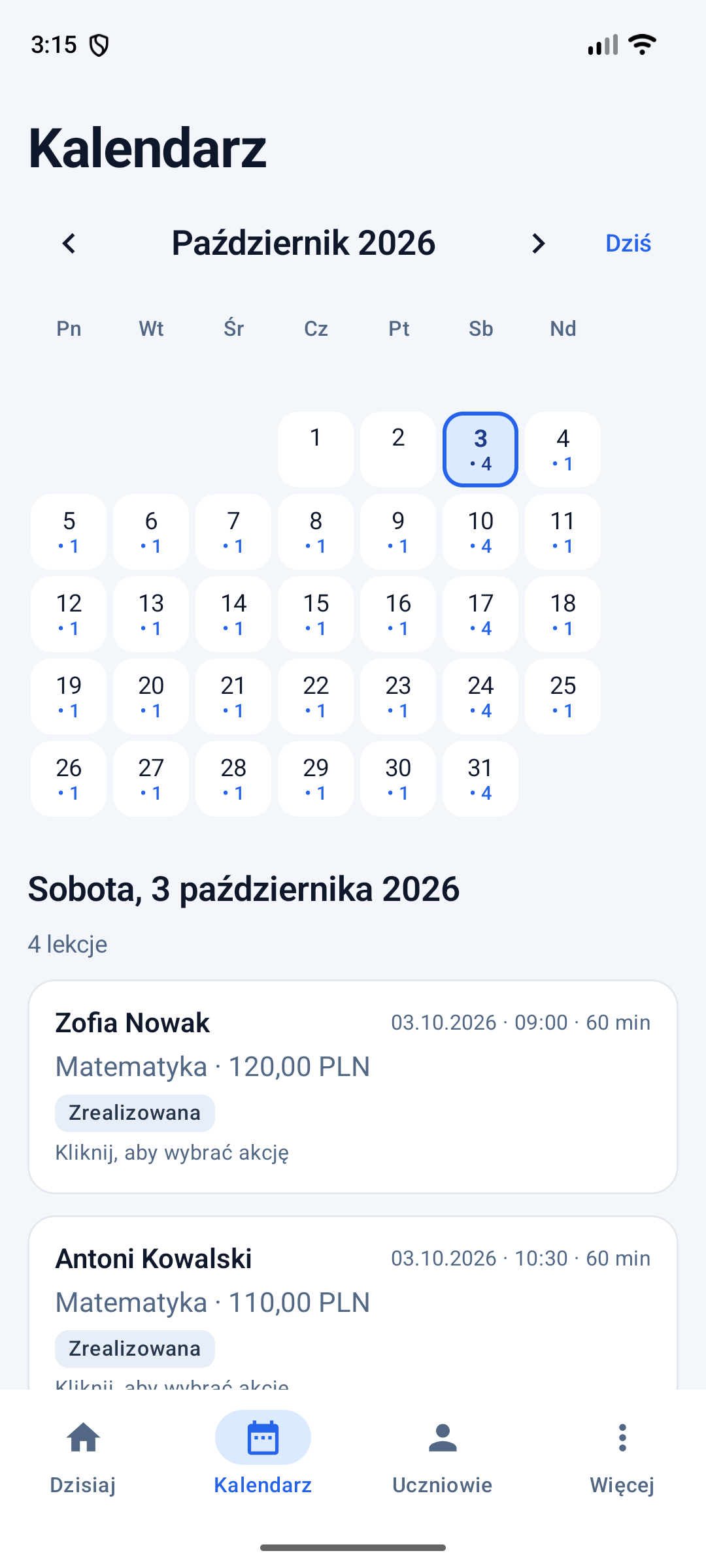
Your lesson timetable in calendar view.
Student list with quick access to profiles.
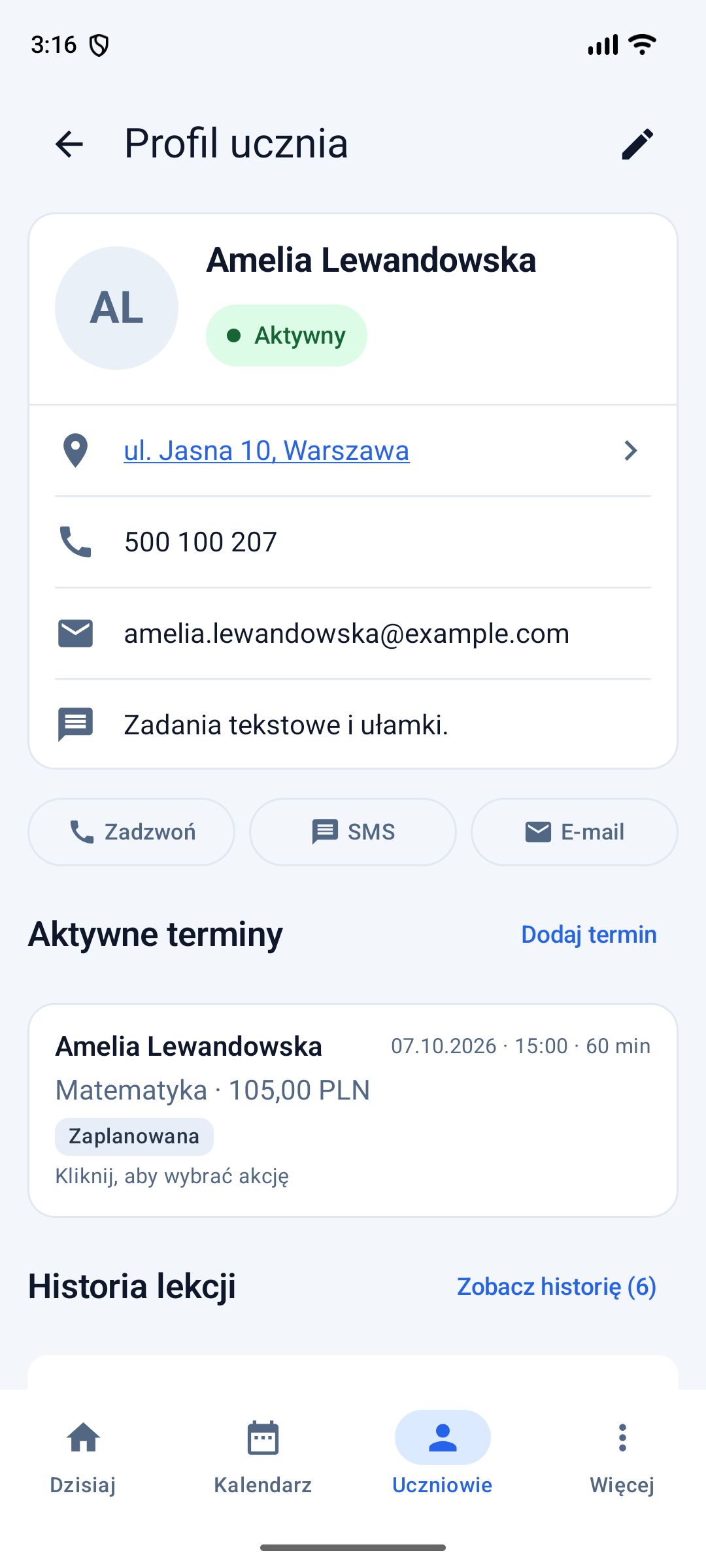
One student’s details and lesson history.
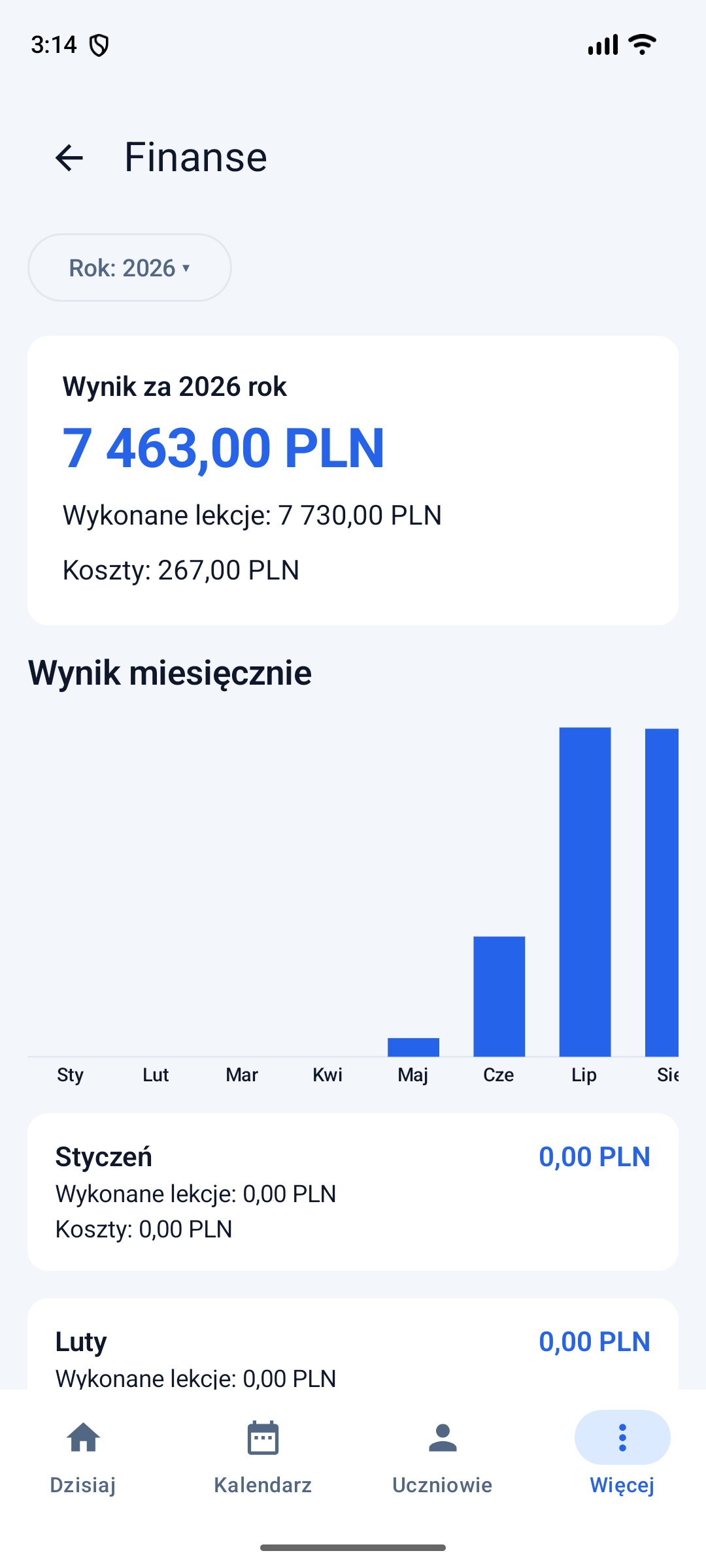
Income, expenses and summaries.
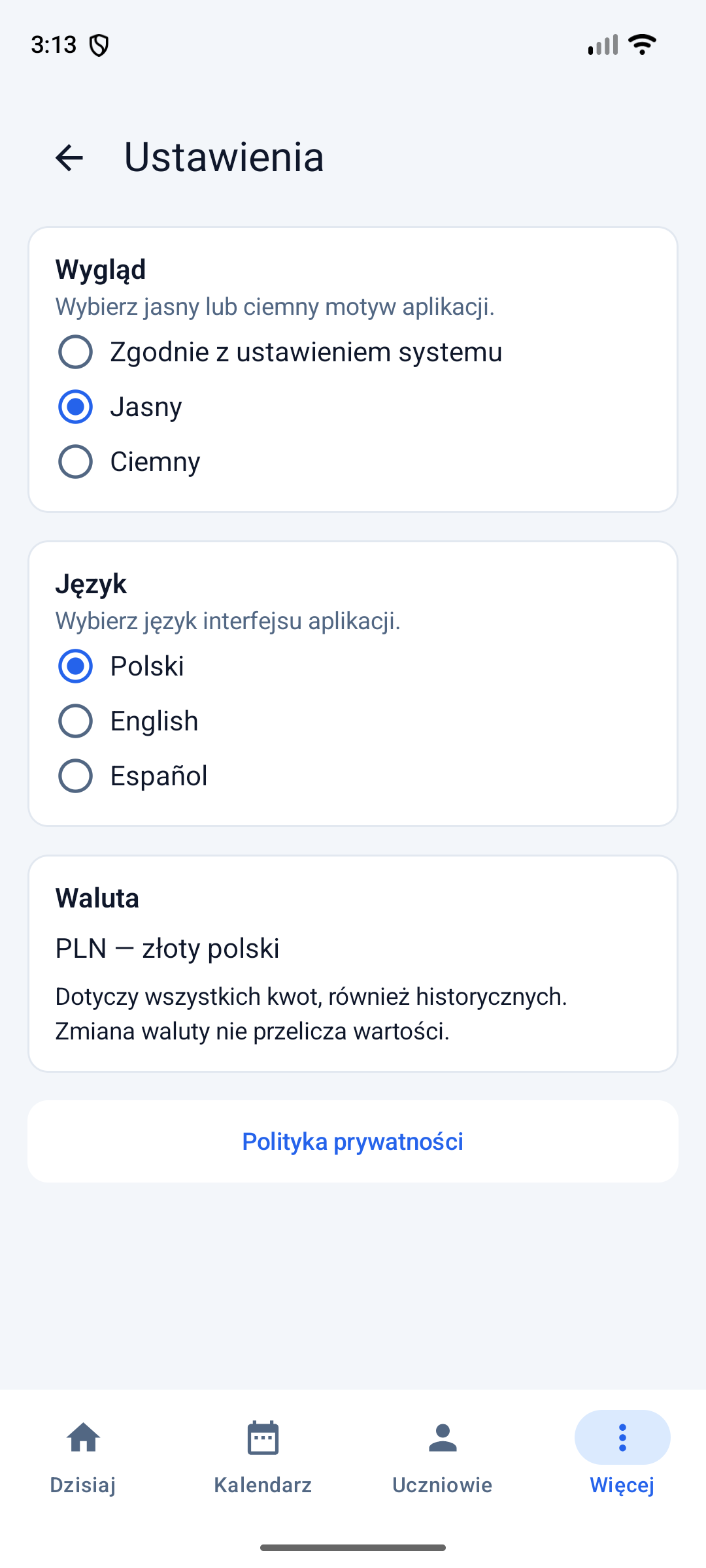
App preferences and data backups.
How to get started
Enter the student’s basic details and your own subject or lesson type.
Choose the day of the week, time, lesson length and price.
After each lesson, save its status, topic, notes and payment. Summaries use the amounts you enter.
Who is Tutico for?
Whether you teach maths, languages or help students prepare for exams, Tutico can make everyday work easier.
Primary, secondary
and exam prep
English, Spanish
and more
Your own subjects
and lesson types
A profile and history
for each student
Have questions?
No. Tutico does not require an account. Information entered in the app is stored locally on your device.
Information is stored locally on your device and is not sent to the publisher. Android system backups and automatic app data transfer between devices are disabled. You create a .tutico backup manually and choose where to store it.
Encryption is enabled by default when saving a .tutico file. Set and confirm a password to protect the backup from unauthorised access. You can restore it on your own or another phone. Tutico does not remember your password; without it, an encrypted backup cannot be restored.
The password must be at least 12 characters long; a long, unique password is recommended. The app uses AES-256-GCM and Argon2id, with no need to choose an algorithm. The password is processed locally and is not saved in files, settings or logs. The publisher cannot recover it.
During import, the app automatically detects an encrypted backup and asks for its password. You can still import supported unencrypted backups, and you can deliberately turn off encryption when exporting.
Yes. You can encrypt an export of the state preserved before the most recent data restore.
No. Scheduled lessons appear in the daily view, but the app does not send notifications or reminders.
The version of Tutico described here runs on Android. There is currently no iOS version.
The current features are designed for scheduling one-to-one lessons and keeping an individual student profile. Group management is not available.
Yes. Add your own subject and lesson type names, then select them when scheduling lessons.
Income and expense summaries are calculated from the information entered in the app.
Start with a student list and a few lesson times. Add lesson history and payments after each session.
Export and settings: manual data backup and restore, Polish, English or Spanish, light or dark theme, and currency selection.